The Hook: Your Office Is Floating—Your Deadlines Are Not

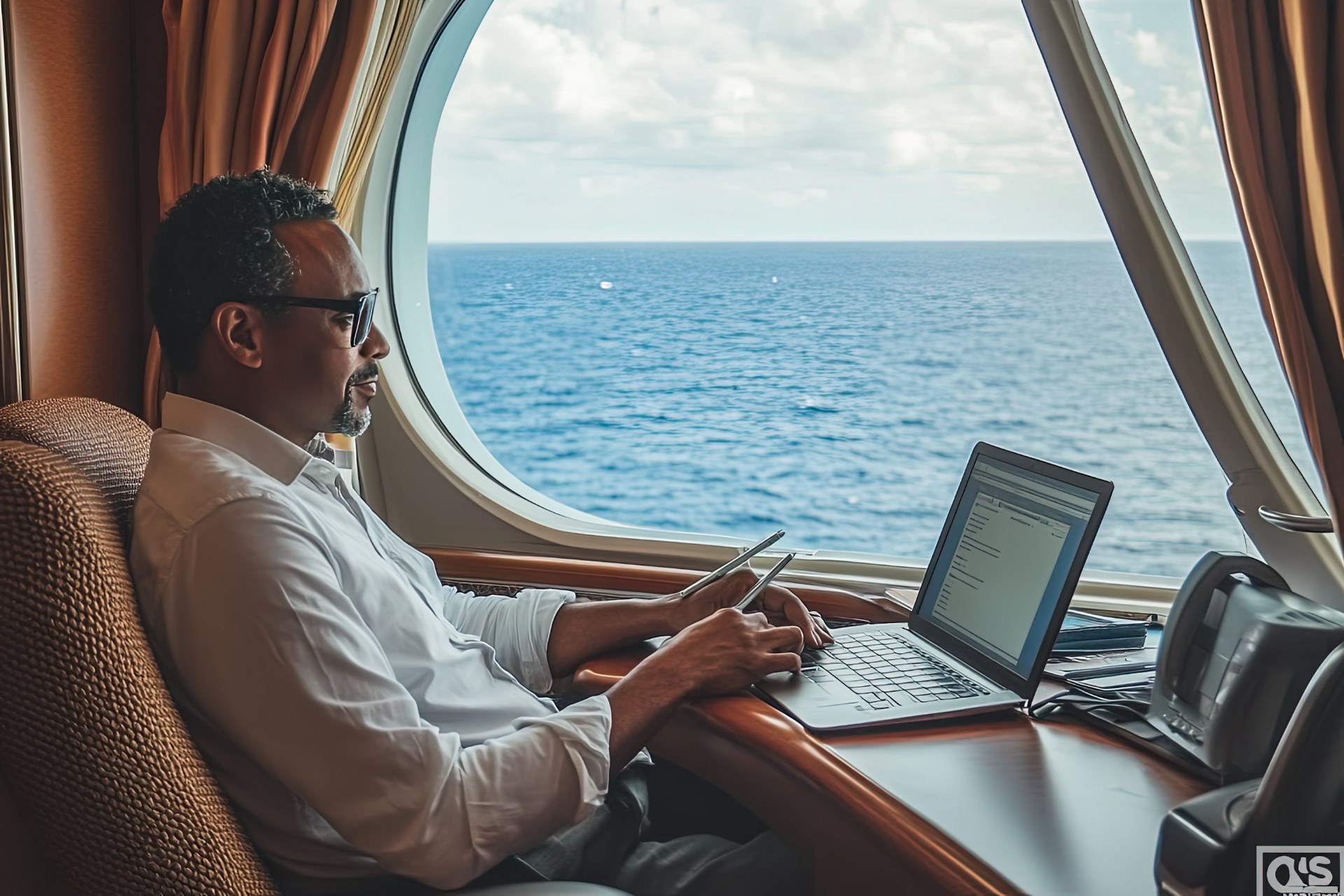
Picture this: you close your laptop, step onto a balcony, and the horizon does the therapy your Slack cannot afford. That image sells cruises to remote workers—but the honest headline is different: remote work from a cruise ship is possible for many roles, risky for others, and expensive if you underestimate connectivity and time.
Early clarity for the keyword: work remotely on a cruise ship when you treat WiFi like rent, schedule like a contract, and ship days like a shared office with unpredictable neighbors.
What “Working Remotely” Means Onboard (Categories)

Light remote: email, Slack, async tasks, occasional uploads—often survivable on mid-tier packages if you are patient. Heavy remote: frequent video calls, large uploads, live collaboration—needs premium tiers and tolerance for failure modes. Critical remote: finance trading floors, emergency on-call pages—usually a bad match unless you accept redundant systems and land-based backups.
Knowing your category prevents you from buying a vacation and accidentally buying a crisis.
Internet Tiers, Pricing Psychology, and the Mbps Mirage

Cruise lines may advertise streaming-capable packages; reality varies by ship, region, and congestion. Treat advertised speeds as best case, not promises. Buy the tier that matches your worst meeting, not your average Tuesday.
Test on embarkation day: run a short call, verify VPN, confirm upload behavior. If it fails, you still have time to adjust expectations before a client depends on you.
Cabin Choice as Career Equipment

Interior cabins can work for night sleep, but daytime focus may suffer—especially for claustrophobic workers. Balcony cabins buy quiet air and a mental reset between tasks. Suites may add desk space and square footage—sometimes cheaper than losing a client.
Also consider noise maps: proximity to nightclubs, theaters, and pool bands matters more than thread count.
Where to Work Onboard Beyond Your Cabin

Libraries, cafés, co-working-style lounges (on some ships), and quiet corners near conference rooms can outperform cabins—if you arrive early. Business centers are not universal; research before sailing.
Ship research via cruise ship details helps you match ship class to “can I find a chair and outlet” reality.
Embarkation day is the worst day to promise deliverables: lines, onboarding apps, muster timing, and cabin access chaos collide. Block light work only—or none—until you are settled and tested online.
Port Days vs Sea Days—Where Productivity Actually Lives

Port days can be amazing for deep work if you skip excursions and the ship empties—sometimes quieter WiFi, quieter spaces. Conversely, port days can destroy focus if you feel FOMO and try to “do both,” ending with neither good work nor good travel.
Sea days can be loud—pool games, announcements, lines—so your “quiet ship” assumption may invert. Plan noise-canceling headphones, offline tasks, and breaks.
Use port information to decide whether a given stop deserves your attention more than your inbox—some ports reward walking; others reward staying onboard.
Security, Privacy, and Professional Boundaries

Public WiFi demands hygiene: VPN where allowed, cautious logins, and awareness of shoulder-surfing in crowded lounges. Do not conduct highly sensitive work in public spaces if privacy matters—your screen is everyone’s entertainment.
SeaDays Planning—Make Remote Work Measurable

If you like structured travel tools, SeaDays guides help you pair itineraries with realistic work blocks—especially when comparing sea-day counts versus port intensity.
A second SeaDays angle: use SeaDays ship browsing to shortlist vessels with better quiet zones if you are not purely pool-deck motivated.
Employer Policies and Tax Realities—Don’t Ignore the Boring Stuff

Some employers restrict work locations for compliance reasons; some insurance policies care where you are physically located. This is not legal advice—just a nudge to verify before you gamble your job for a reel.
Case Examples (Composite, Realistic)

Case A: async marketer—limits meetings, batches creative—uses sea days for deep work, port evenings for exploration. Success probability: high. Case B: daily standups at fixed US hours on a Europe-heavy itinerary—sleep collapses, mood follows. Success probability: moderate to low without schedule change. Case C: on-call engineer—needs guaranteed uptime—ships become stress machines. Success probability: low unless redundancy is serious.
FAQ — Remote Work From a Cruise Ship

Q1: Can I work remotely on a cruise without buying WiFi? A: Sometimes in port with local SIM strategies—unreliable as a system; most workers should budget ship WiFi.
Q2: What is the biggest mistake remote workers make on cruises? A: Underestimating embarkation chaos and overbooking meetings on day one.
Q3: Are premium drink packages necessary for remote work? A: No—caffeine matters, but packages are unrelated to productivity unless you specifically optimize for specialty coffee venues.
Q4: Can I use hotspot tethering instead of ship WiFi? A: In port sometimes; at sea usually not dependable—do not build a career on it.
Q5: Is working remotely on a cruise worth it financially? A: Only if you compare all-in costs—including WiFi, upgrades, and lost productivity risk—against a land alternative you actually enjoy.
Related Reading & Internal Links

- Compare ships for cabin categories and onboard workspaces.
- Explore ports to align work blocks with shore plans.
- Read cruise planning articles for itinerary strategy.
- Pair with B22-24 for the broader digital nomad trend analysis.
- Track outcomes in SeaDays so your next sailing improves—same ocean, smarter defaults.